
Jobwright documentation
Set up Jobwright, connect the AI account you already use, and run one controlled search. These guides follow the same names and screens as the desktop app.
- LocalCandidate records and documents stay on your computer.
- GroundedEach application starts from facts and evidence you can inspect.
- ControlledReview mode stops before protected actions.
Learn by task
Section titled “Learn by task”Go to the page that matches what you need now.
Find your way aroundLearn where Search, Pipeline, Inbox, Calendar, Documents, and Settings live.
Manage facts and documentsKeep candidate facts, CVs, and application files accurate.
Follow replies and deadlinesUse application mail, interviews, deadlines, and reminders together.
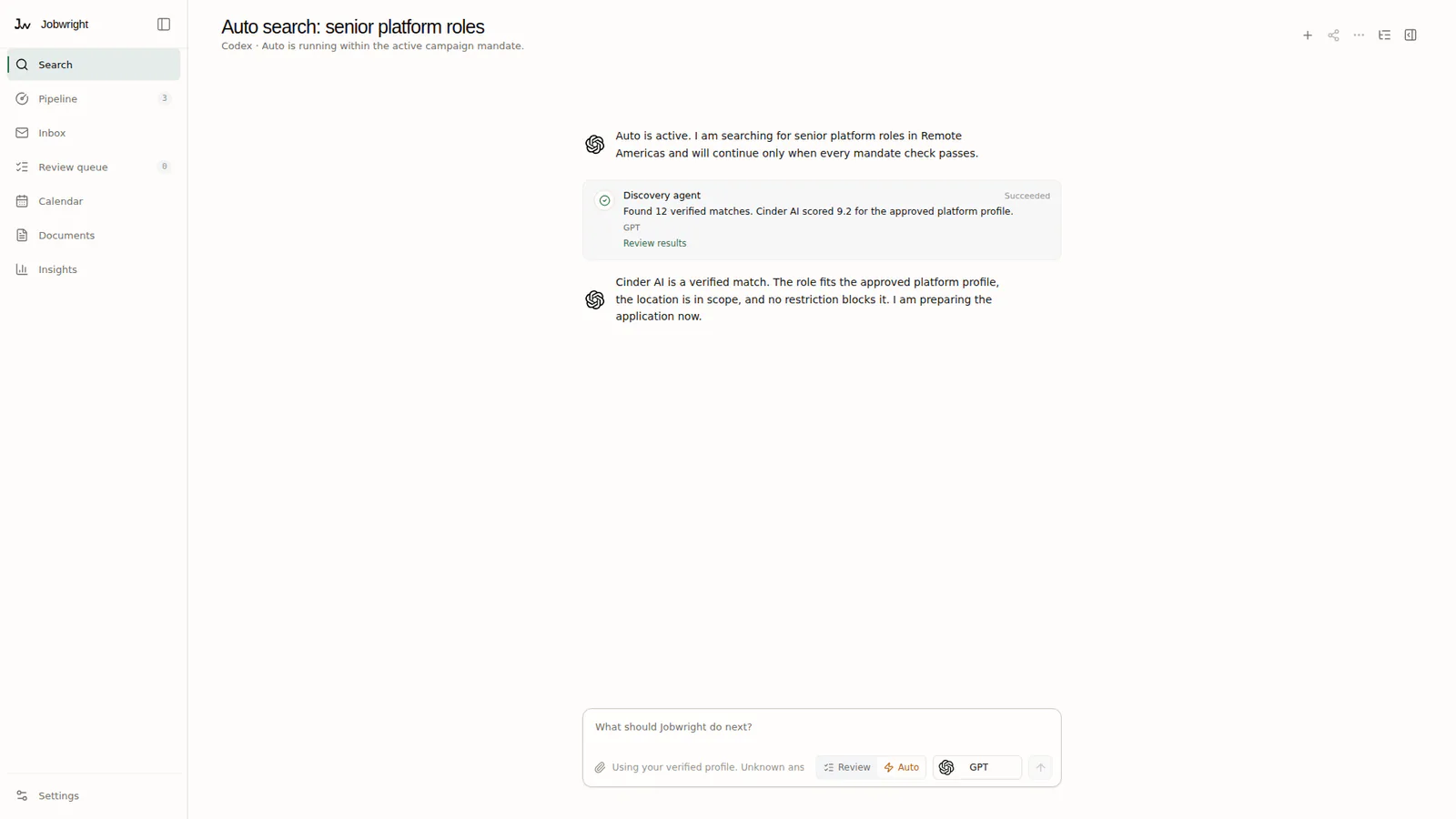
Delegate with clear limitsUnderstand Search & Apply before you enable it for a campaign.
What Jobwright controls
Section titled “What Jobwright controls”Jobwright keeps your search, candidate facts, documents, and action evidence together on your computer. Your AI provider controls the agent account, models, and usage limits.
Review mode waits for your approval before a protected action. Search & Apply can act only inside a campaign mandate that matches the job, destination, data, and action.