
Set up your first search
Finish these steps before you delegate applications. Use Review mode for the first run.
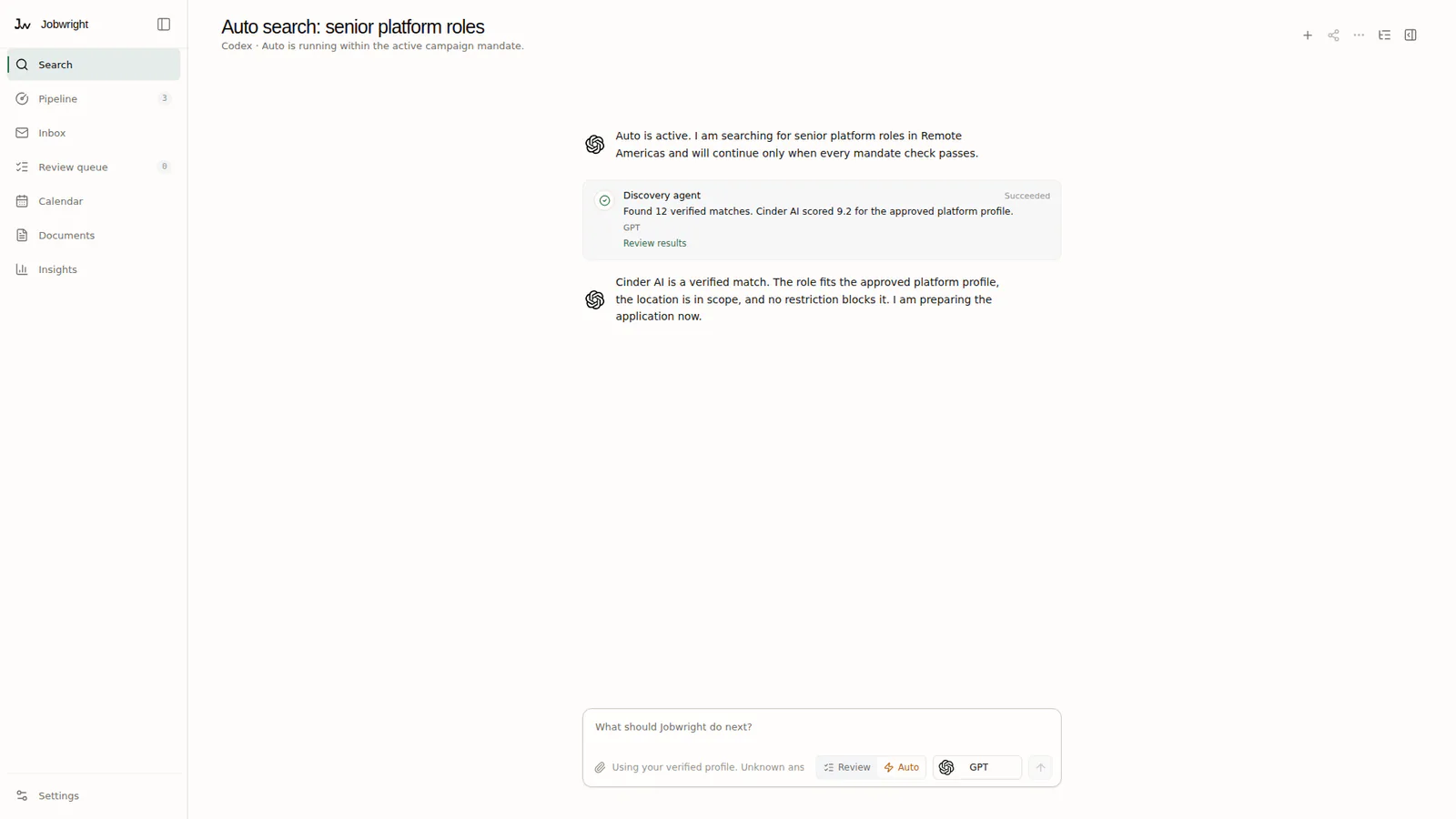
Build your candidate profile
Section titled “Build your candidate profile”The agent asks one question at a time. You approve the facts before Jobwright uses them.
- Answer in your own words. You can also add a CV or another profile document.
- Check each extracted fact and its source.
- Correct, remove, or leave out anything that is wrong or too private.
- Finish the review before you start a search.
Start a useful search
Section titled “Start a useful search”A narrow search gives you better evidence than a long list of unrelated roles.
- Choose the role families, locations, and work terms that you want.
- Add any roles, companies, or sources that Jobwright must avoid.
- Start the search and review the first verified opportunities.
- Change one search rule at a time when the results are poor.
Check the first result
Section titled “Check the first result”Open the first verified opportunity. Check the company, role, location, source, freshness, fit evidence, and known risks. Reject the result when it breaks one of your rules. Correct the search rule before you increase the volume.