
Manage your profile and documents
Jobwright separates facts about you from files that represent those facts. Check both before you start a large search.
Candidate profile
Section titled “Candidate profile”The profile contains verified facts, targets, restrictions, and preferences. Jobwright uses these records when it evaluates a role or drafts an answer.
- Open Settings.
- Open Profile and targets.
- Check each fact and its source.
- Correct or remove a fact that is wrong.
- Add a missing fact only when you want Jobwright to use it.
If a required answer is unknown, the agent must ask you. It must not invent the answer from a similar fact.
Documents
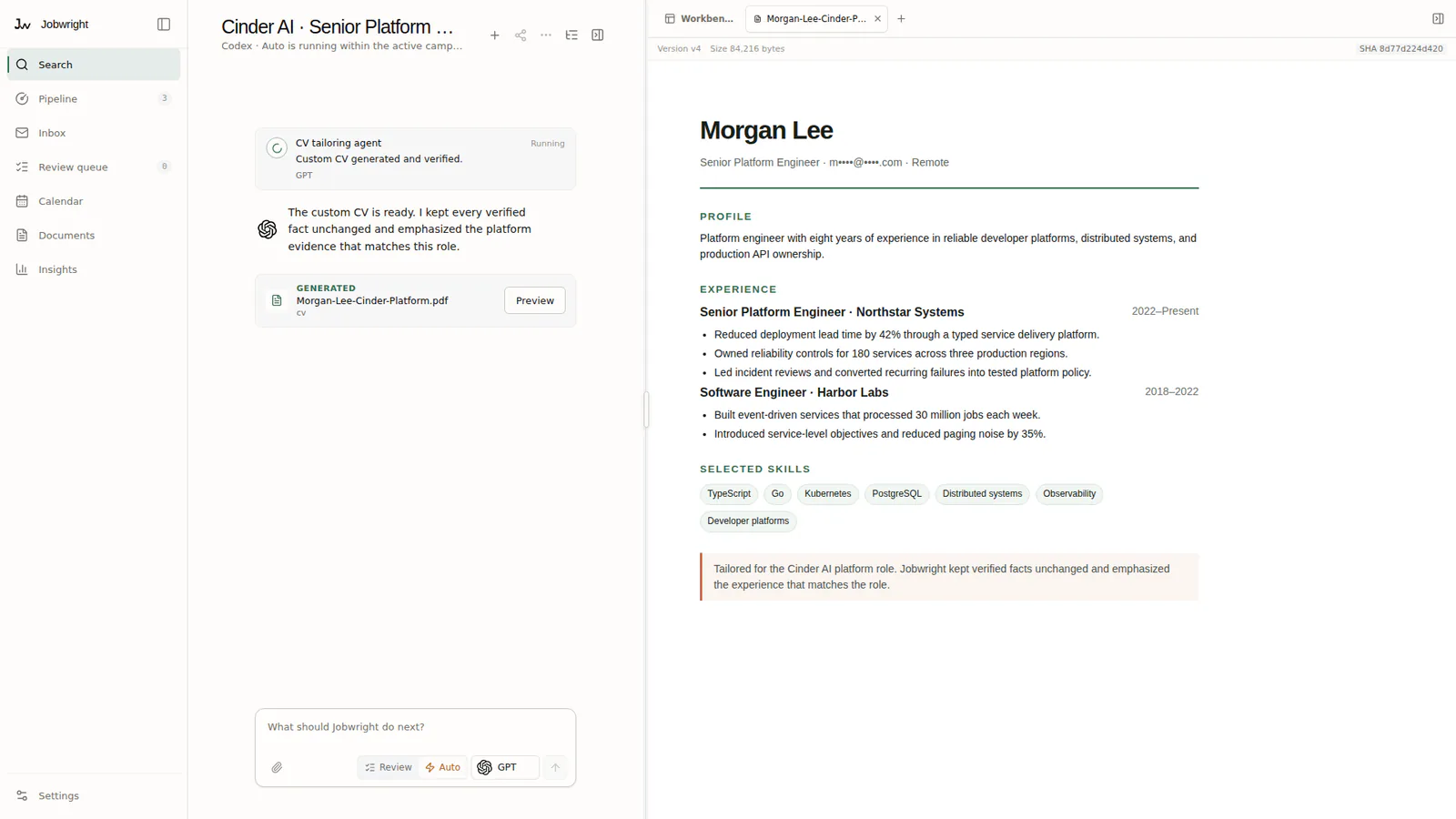
Section titled “Documents”Open Documents to manage CVs, cover letters, tailored revisions, and exact application assets.
Keep the original document. Review each suggested revision against the original and the verified candidate facts. A saved revision does not authorize an upload or a submission.
Add a CV or profile document
Section titled “Add a CV or profile document”You can add a PDF or another supported document during onboarding or from Documents. Jobwright extracts proposed facts. You decide which facts enter the candidate profile.
If the document cannot be read:
- Confirm that the file opens on your computer.
- Confirm that the file is not encrypted.
- Try a text-based PDF when the file contains only scanned images.
- Add the important facts in the profile if extraction still fails.
Before an application
Section titled “Before an application”Check the selected CV, the role, the destination, and every attachment. Jobwright keeps the exact file identity with the application evidence.