
Use Search & Apply
Search & Apply delegates routine work inside one campaign. It is not unlimited authority.
Review mode and Search & Apply
Section titled “Review mode and Search & Apply”| Mode | What happens before a protected action |
|---|---|
| Review | Jobwright shows the exact action and waits for your approval. |
| Search & Apply | Jobwright checks the active campaign mandate against the exact job, destination, data, and action. |
Use Review mode for your first searches. Enable Search & Apply only after your profile, documents, exclusions, and campaign rules are correct.
What a campaign controls
Section titled “What a campaign controls”A campaign can limit role families, locations, companies, compensation, sources, selected CVs, answer categories, and the number of applications. A setting outside that scope does not authorize the campaign.
When Jobwright stops
Section titled “When Jobwright stops”Jobwright stops the affected task when:
- a required fact about you is unknown;
- a destination does not match the verified job;
- the selected document or answer is outside the campaign scope;
- the site requires CAPTCHA, MFA, a phone code, or human account verification;
- the site asks for an assessment, message, public profile change, or sensitive answer;
- the final result cannot be proved from destination evidence.
Other eligible campaign work can continue. The blocked task stays with its conversation and application record.
Final submission
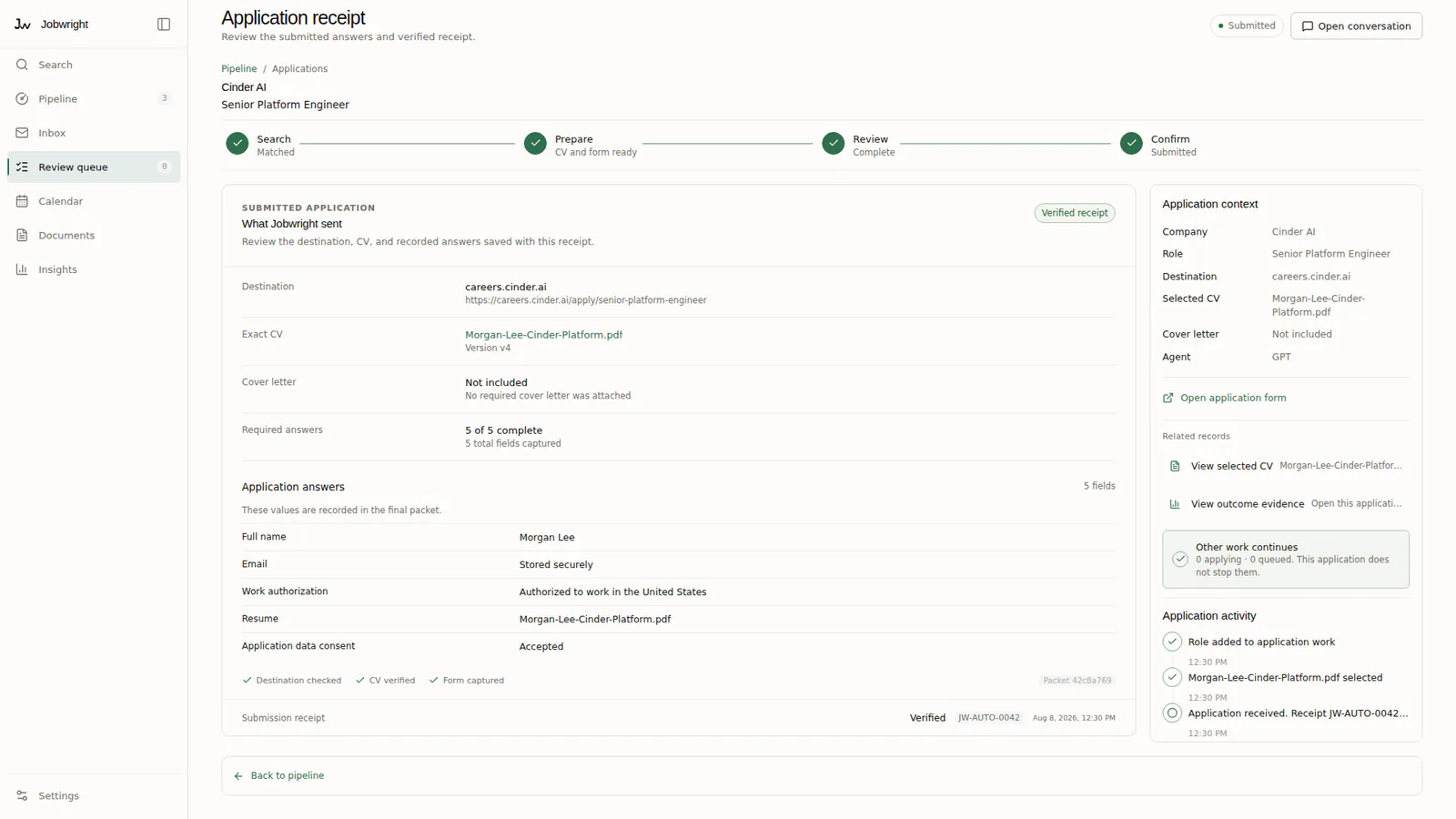
Section titled “Final submission”Review mode needs a fresh approval for the exact final submission. Search & Apply needs a current campaign mandate and a matching action receipt at execution time. A campaign status by itself is not enough.
Turn it off
Section titled “Turn it off”Change the default in Settings to use Review mode for future work. Stop or pause an active campaign from its own Search conversation or campaign record.